EZ Dock
Designer Guide
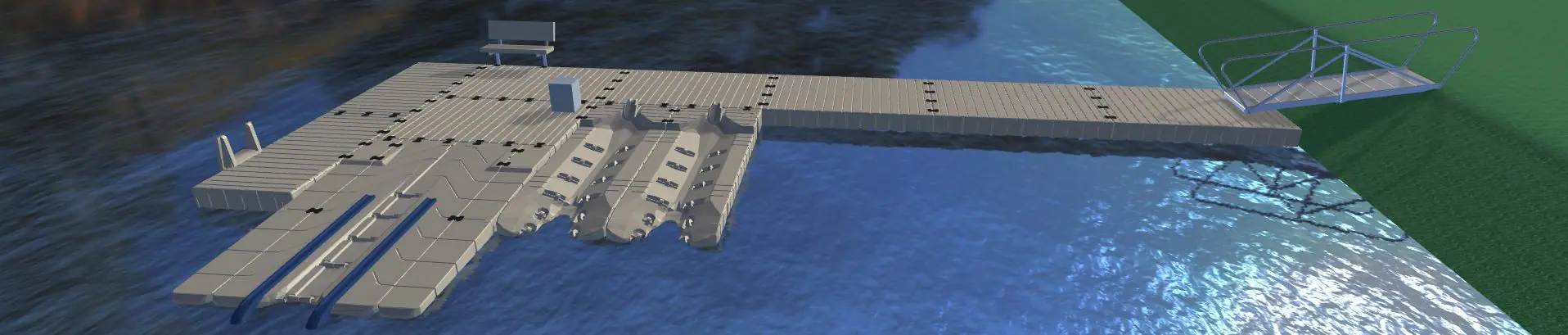
The EZ Dock Designer is a 2D/3D software tool that you can use in your browser. It allows you to build a 3D model of your dream dock. After you complete your dock design, you can save it, share it, and let EZ Dock know that you want a quote on your design.
This tool is best used on a desktop.
Not Sure Where to Start?
Every great dock starts with the right combination of products. Browse our most popular categories below to learn how our docking solutions meet your waterfront needs and can help you spend more time on the water. Then use our Dock Designer to build your custom configuration and visualize the final result!
EZ Dock Designer FAQs
Why EZ Dock
EZ Dock has been around since 1991, helping industrial, commercial, government and residential clients get better access to the water. We design all of our products to be fully customizable. Whether you need a commercial-grade dock to run boat tours, an EZ Launch® for Kayaks, or a swimming dock for your lakefront home, we can help you design the exact dock for your needs.
Top Reasons to Choose Our Docks:
- Low Maintenance: The polyethylene docks will not rot, splinter or require paint. They also withstand all kinds of weather without you needing to replace planks. With EZ Dock, you get to spend more time on the water or growing your business, because you won’t need to constantly maintain your dock.
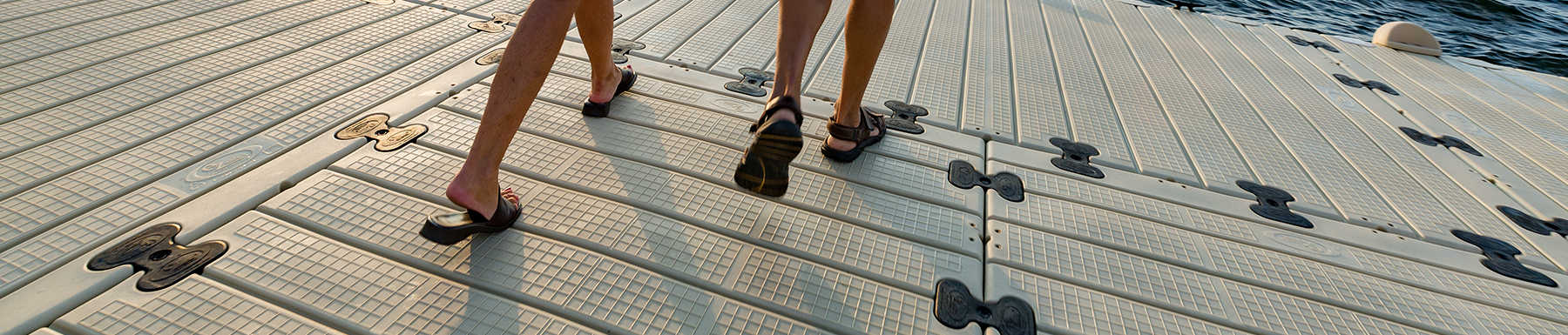
- Barefoot Friendly: Our ouch-free design ensures you can get to and from the water with no splinters, while our durable slip-resistant surface helps keep you and everyone near your waterfront safer.
- Easy to Configure: No matter what your waterfront is like or whether you want to boat, kayak, swim or fish, EZ Dock lets you set up your dock to suit your needs — even if that means making change to your dock in the future.